
About
The vectorizer without the wizard
AnyToSVG turns bitmaps into SVG with the same family of algorithms the well-known online services use — but it runs them inside your browser, shows you the result before you touch a setting, and never asks you to sign in.
Why
Why I built it
A note from the developer behind AnyToSVG and IconEditor.org.
I have been shipping software for close to thirty years, and a surprising amount of that time has gone into a small, boring task: getting somebody's logo into a format that scales. A client sends a PNG, the print shop wants an SVG, and the online converter I reach for greets me with an upload queue, a model picker, three candidate palettes, a quality panel, a colour-grouping panel and — once the preview finally looks right — a sign-in form and a credit counter.
The strange part is that the actual tracing is neither slow nor secret. The core algorithm, Potrace, has been public since 2003 and traces a logo-sized bitmap in a few milliseconds. The four-step wizard is not there because the maths needs it. It is there because the image has to travel to a server, be processed there, and the result has to be metered.
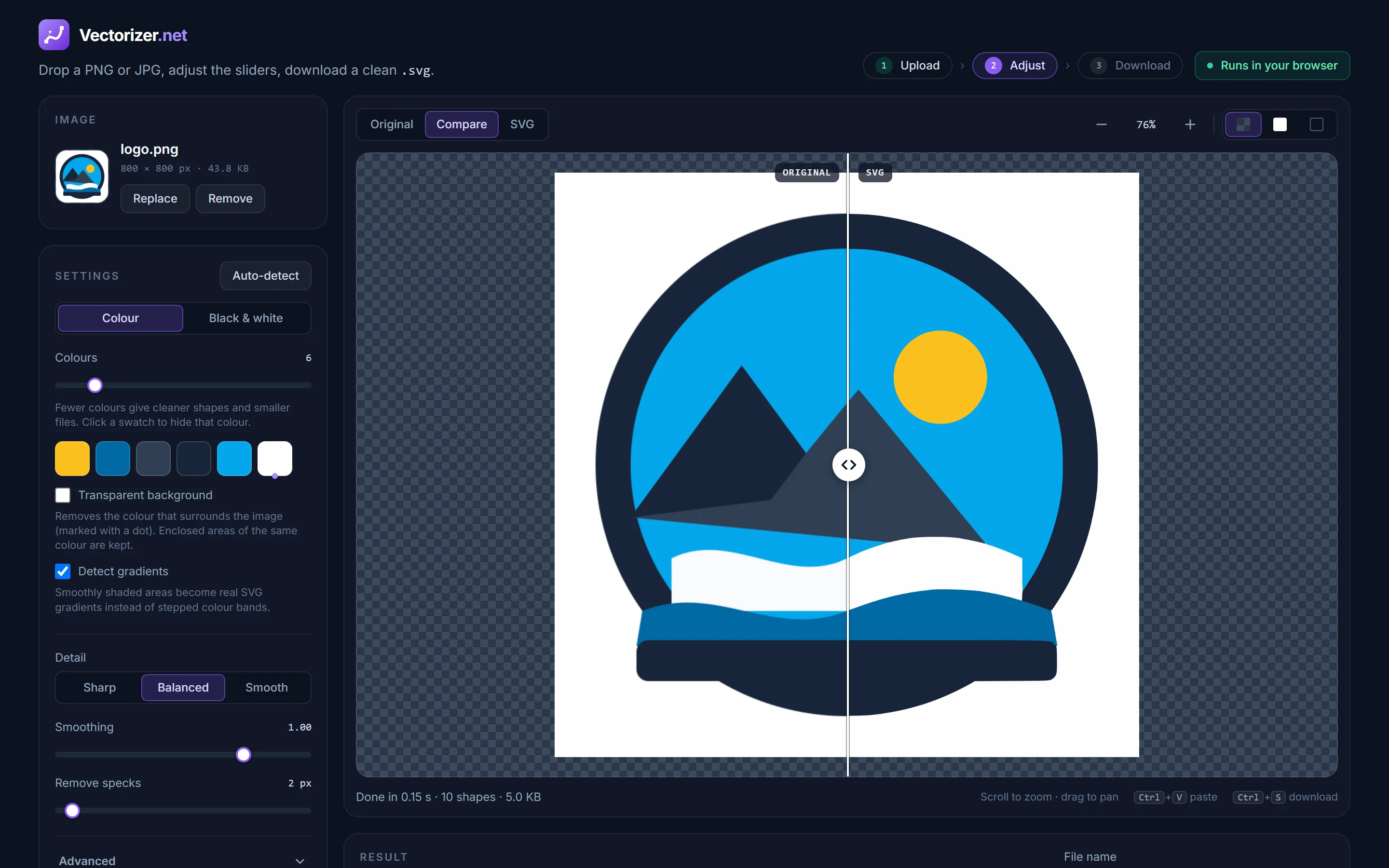
Modern browsers changed that. Potrace compiles to WebAssembly and runs at native speed on your own machine, and the colour analysis around it is plain JavaScript. So AnyToSVG does the whole job locally: the moment an image is dropped it is analysed, sensible settings are chosen, every colour is traced, and the SVG appears next to the original. Nothing is uploaded, nothing is counted, and every slider re-traces instantly because there is no round trip.
It is the same philosophy as IconEditor.org, my Windows icon editor: take a job people do constantly, keep the parts that are genuinely good, and remove everything that exists only to justify a subscription.
How it works
What happens when you drop an image
1 · Analysis
A colour histogram of the image decides whether it is flat artwork, a line drawing or something photo-like, how many distinct colours it really contains, and where the black-and-white threshold should sit (Otsu's method).
2 · Gradients, then colours
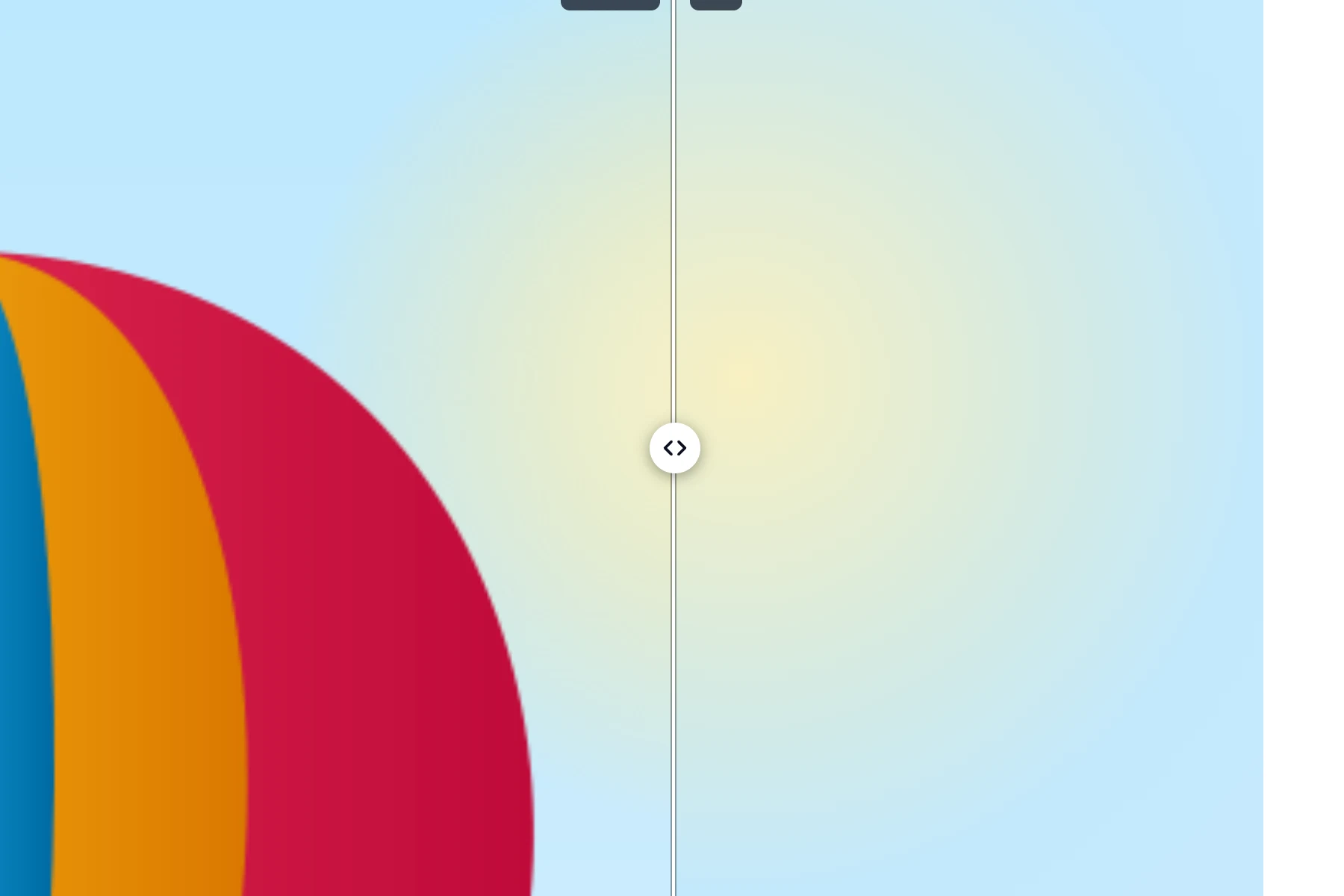
Regions whose colour changes smoothly are fitted with a linear or radial model and become one shape with a real SVG gradient. The remaining pixels are quantised: the dominant colours become the palette, small but distinct regions are added afterwards, and anti-aliasing halos between regions are cleaned up.
3 · Layers
Fills are stacked from the largest area up, and each shape reaches one pixel under its neighbours above it, so there are no hairline gaps between adjacent shapes — a lighter version of the trick the commercial services call "overlap". Specks smaller than the Remove specks size are merged into the shape around them rather than dropped.
4 · Tracing
Each layer is a black-and-white mask that Potrace (compiled to WebAssembly) turns into smooth Bézier paths. Smoothing, speck removal and curve optimisation are the standard Potrace parameters, exposed as two sliders and a preset.
5 · SVG assembly
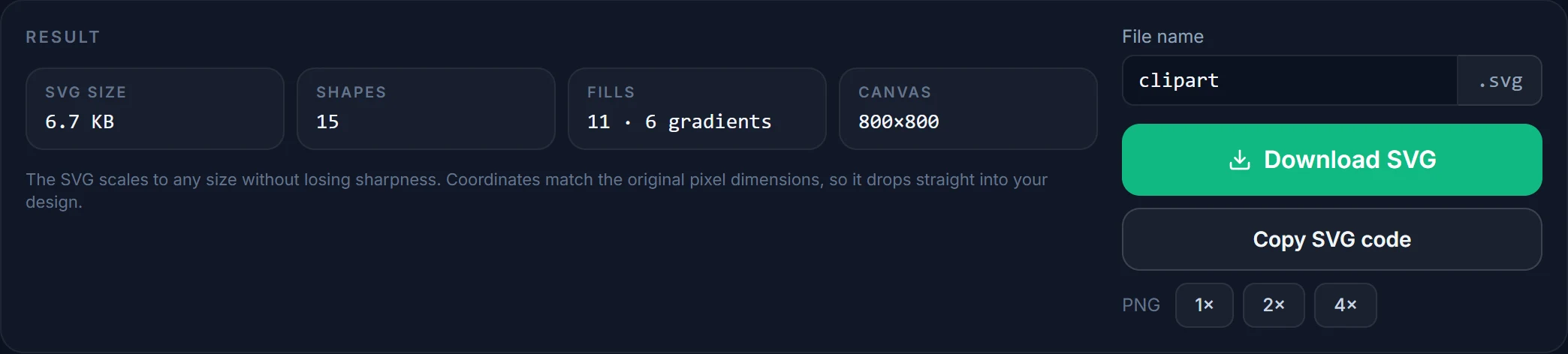
Potrace's coordinates are converted back to the original pixel grid, one <path> per fill — a flat colour or a <linearGradient> / <radialGradient> in <defs> — nothing else: no transforms, groups or metadata. Hidden colours and the outer background are simply left out.
6 · Nothing leaves the browser
All of the above runs in a Web Worker on your machine. The only exception is a format your browser cannot open (TIFF, PSD, HEIC, PDF): that file is converted to PNG on our server, in memory, and discarded immediately.
Built small on purpose
Credits and limits
The tracing engine is Potrace by Peter Selinger, used under the GPL through the esm-potrace-wasm build; its licence ships alongside the script. The colour analysis, layering and SVG assembly are AnyToSVG's own JavaScript, served unminified. No third-party scripts, fonts or trackers are loaded from other domains.
Honest limits: images are traced at up to 2048 pixels on the longest side, so a 6000-pixel scan is downsampled first. Photographs come out posterised — that is what tracing does. Smooth shading is detected and written as real SVG gradients (linear or radial), but shading that follows a complex shape is still reduced to a few flat colours. Line-art centreline tracing (single stroked paths for pen plotters) is not supported; shapes are always filled outlines.
At a glance
The essentials
- Price
- Free
- Account
- Not required
- Input
- PNG · JPG · GIF · WebP · BMP · SVG · TIFF · PSD · HEIC · PDF
- Output
- SVG · PNG (1× / 2× / 4×) · clipboard
- Colours
- 2 – 32, or black & white
- Max size
- 20 MB · traced at ≤ 2048 px
- Storage
- None on server
Questions, bugs or ideas?
Write to [email protected] — or just drop an image on the converter and see for yourself.