
 Logo
Logo Line drawing
 Clipart
Raise Remove specks for dithered GIFs
4–8 px removes the checkerboard noise a photo-turned-GIF carries, without touching real shapes.
Drop a GIF and get a clean, scalable SVG in about a second. Its limited palette makes GIF artwork one of the easiest things to vectorize — and the file never leaves your browser.
Drop your image here
GIF · also PNG, JPG, WebP, BMP — up to 20 MB
Choose imageor paste with Ctrl+V
Why GIF traces well
GIF already did half the quantisation; the converter finds the real colours in it.
A GIF can hold at most 256 colours, and most clipart, icons, buttons and diagrams saved as GIF use far fewer — often 2 to 16 flat colours with hard edges. That is exactly the kind of image a tracer handles best: each colour becomes one clean <path>, edges are crisp, and the SVG is usually smaller than the GIF was.
The one thing to watch is dithering. When a GIF was made from a photo or a gradient, the encoder simulates missing colours with a fine checkerboard of two palette entries. To a tracer that looks like thousands of specks. AnyToSVG's colour analysis groups the dither pattern back into its average colour where it can, and Remove specks (in source pixels) merges the remaining islands into the colour around them before any path is drawn — so raise it to 4–8 px for a dithered GIF and the noise disappears without leaving holes. Smooth noise first under Advanced helps as well.
The output is standard SVG in the original pixel coordinates: one path per colour, real gradients where the image had smooth shading, nothing else. It opens in Illustrator, Inkscape, Figma, Cricut Design Space and any browser.
Transparency and size
GIF transparency is kept; tiny web graphics are upscaled before tracing.
GIF supports transparency, but only on/off — a pixel is either fully opaque or fully see-through, with no soft edges. The converter honours it: transparent pixels are not traced, and the SVG is transparent in the same places. Because there is no anti-aliasing, the outline of a transparent GIF is a staircase of pixels; Potrace turns that staircase into smooth curves, and the Smoothing slider controls how round the corners become (towards 0 keeps them sharp, towards 1.3 rounds them off).
GIFs from the early web are often tiny — 32 to 200 pixels. Small images are upscaled two or three times with a tracing-friendly filter before the vector is computed, which gives noticeably rounder curves than tracing the raw pixels. For deliberate pixel art you may prefer the opposite: set Smoothing to 0 and the detail preset to Sharp so the blocky edges are kept as drawn.
Animated GIF
SVG is a still image; pick the frame you want first.
An animated GIF is accepted, and the browser hands the converter its first frame. If you need a different frame, open the GIF in an image editor (GIMP, Photoshop, Photopea, ezgif.com), export that frame as PNG and drop the PNG in — see PNG to SVG. SVG has its own animation model (SMIL and CSS), but a tracer produces a still image; animating it is a separate step in a vector editor.
How it works
Three steps, and the second one is optional. No palette wizard, no model selection, no credit counter.
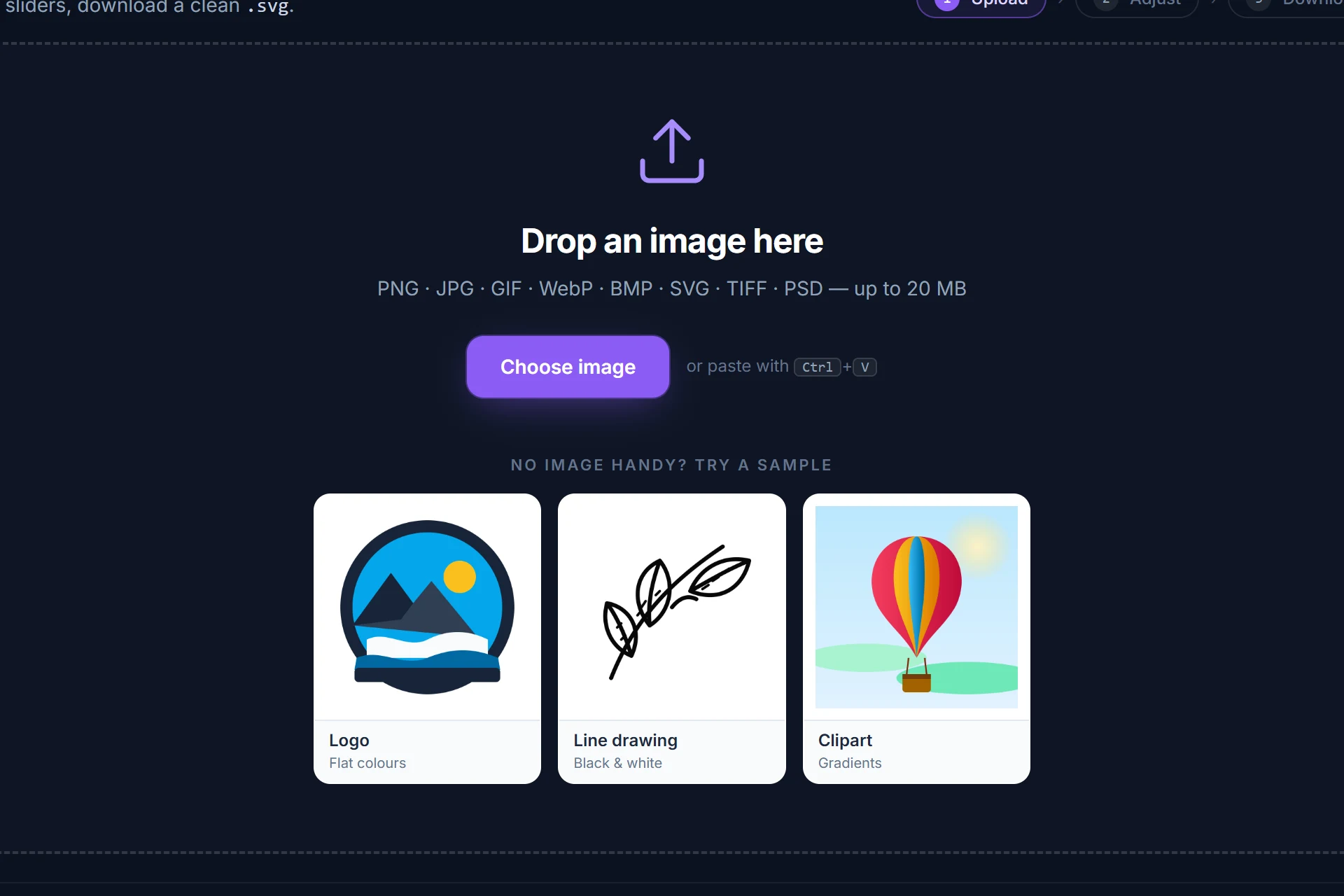
Drag it onto the page, pick it from disk or paste it with Ctrl+V. It is analysed and traced immediately — colour or black-and-white, colour count and threshold are detected for you.
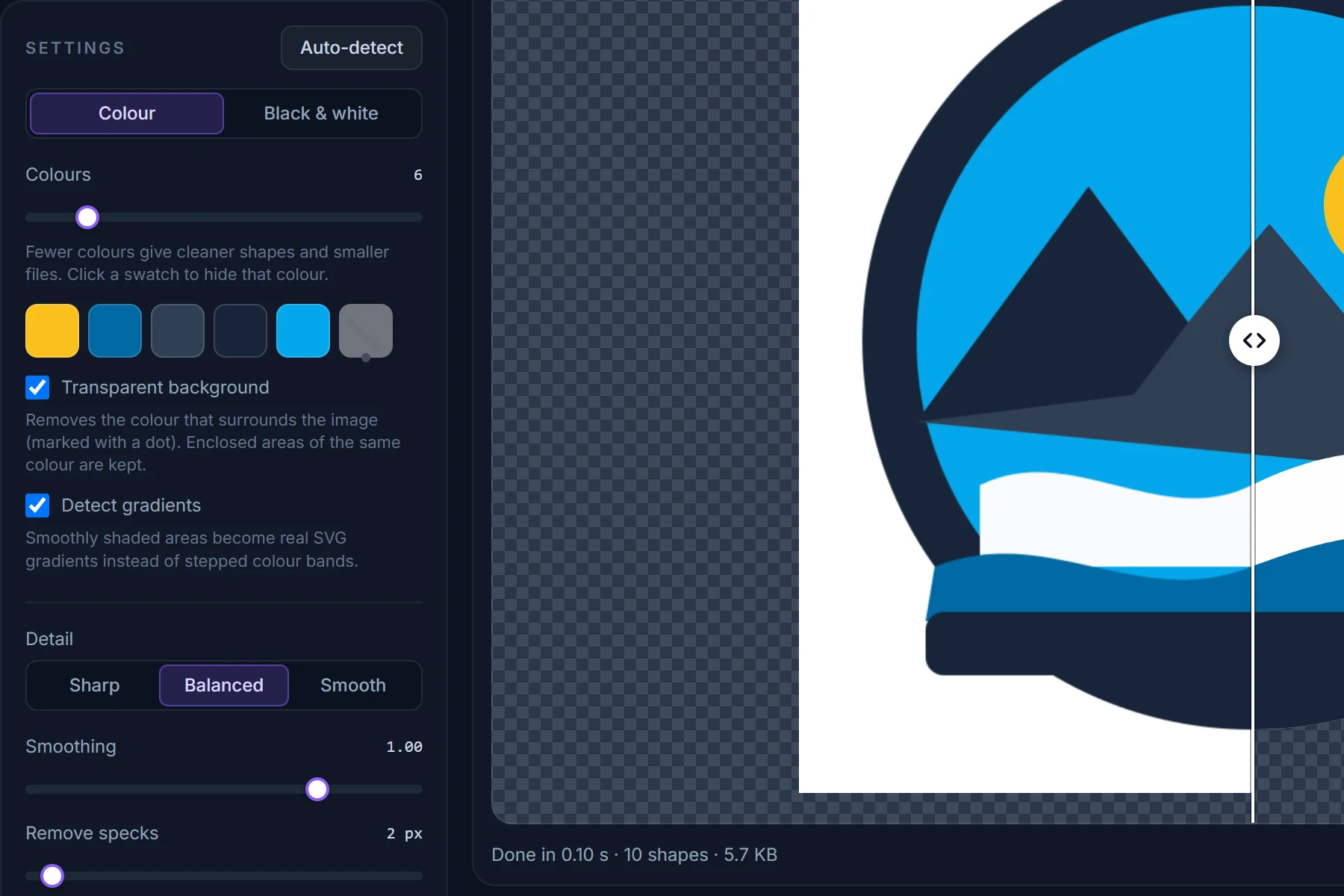
Drag the divider between original and SVG, zoom into an edge. Change the number of colours, hide a colour, make the background transparent; every change re-traces in a fraction of a second.
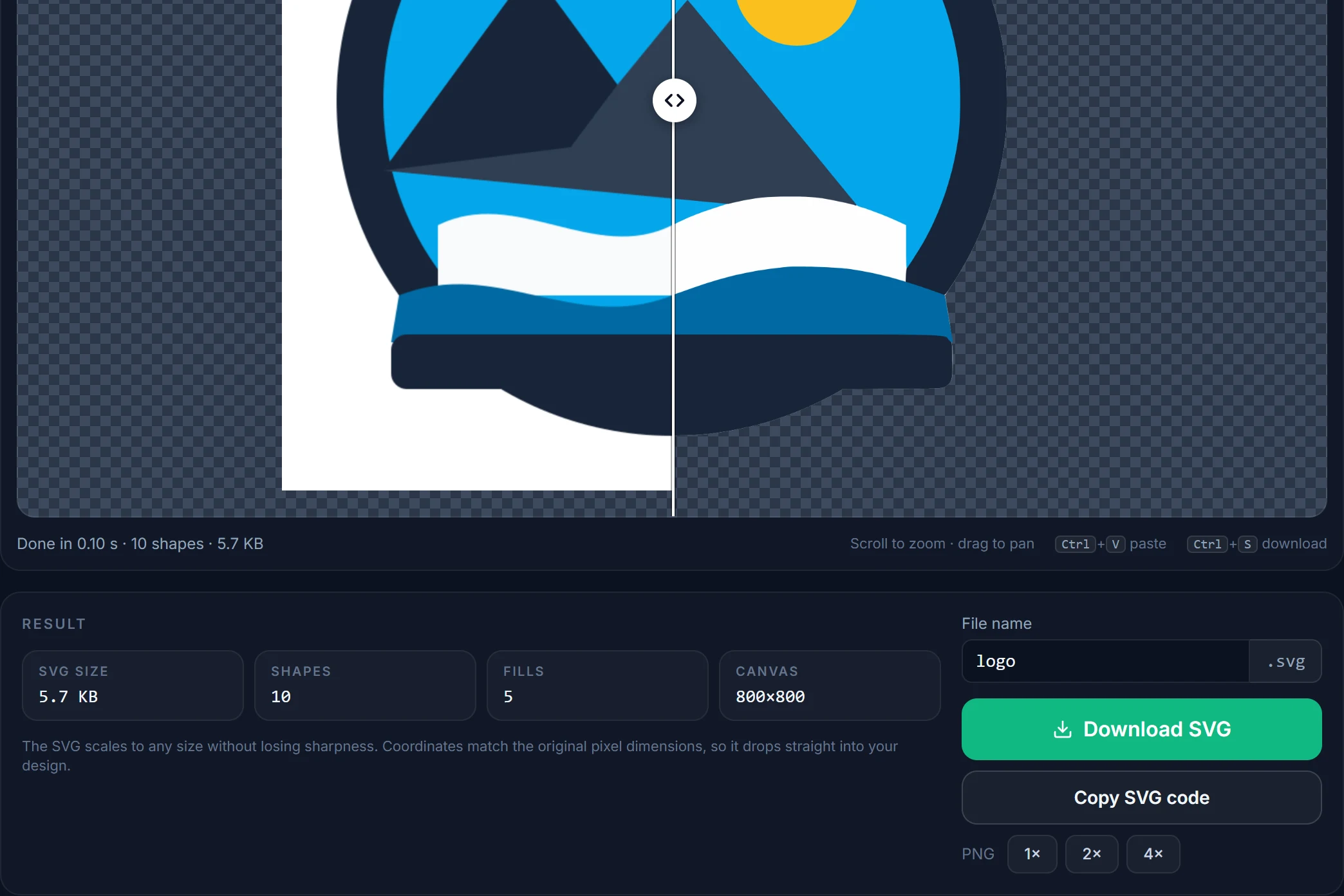
Save the SVG, copy its code, or render a PNG at 2× or 4×. Coordinates match the original pixels, one path per fill, nothing else in the file.
Tips
4–8 px removes the checkerboard noise a photo-turned-GIF carries, without touching real shapes.
Auto-detect reads it from the image; a 4-colour icon should be traced with 4 colours, not with the dither shades.
To keep deliberately blocky edges, turn smoothing off and use the Sharp detail preset; leave Upscale on so the blocks stay proportional.
A black-on-transparent GIF traces best in B&W mode: a single path, no palette at all.
GIF buttons and icons from old sites are small. If a bigger PNG or the original vector exists anywhere, use that.
Switch the preview background to the checkerboard to confirm which areas came out transparent.
Questions
Short answers here; the full FAQ covers formats, quality settings, photos and privacy.
Drop the GIF on this page or open the converter and choose the file. It is decoded and traced in your browser within a second; check the preview and click Download SVG. No account, no upload, no watermark.
The first frame is traced; SVG produced by a tracer is a still image. To vectorize another frame, export it as PNG from an image editor first.
Yes. GIF transparency is on/off per pixel and those pixels are simply not traced, so the SVG is transparent in the same places. A solid background can be removed with the Transparent background checkbox.
It is dithered — a fine pattern of two colours simulating a third. Raise Remove specks to 4–8 px, tick Smooth noise first under Advanced and lower the colour count to what the design really uses.
No. GIF, PNG, JPG, WebP and BMP files are decoded and traced entirely inside your browser. See the privacy policy.
SVG, almost always: it is sharp at every screen density, usually smaller, and its colours can be changed in CSS. GIF is limited to 256 colours and one fixed pixel size.
More converters
Same engine, same privacy — one page per input format so you can bookmark the one you need.
Free, in your browser, nothing to install and nothing uploaded. The SVG is next to your original in about a second.