
 Logo
Logo Line drawing
 Clipart
Keep the alpha channel
Export the PNG with transparency rather than flattening it onto white; the SVG then needs no background removal at all.
Drop a PNG and get a clean, scalable SVG vector in about a second. Transparency is preserved, colours are detected automatically, and the trace never leaves your computer.
Drop your image here
PNG · also JPG, GIF, WebP, BMP — up to 20 MB
Choose imageor paste with Ctrl+V
Why PNG
Lossless pixels, a real alpha channel and no compression noise.
PNG stores every pixel exactly as it was drawn. There are no JPEG blocks, no ringing around edges and no colour drift, so the tracer sees the same crisp boundary between a shape and its surroundings that the designer intended. That is why a PNG logo or icon usually converts into an SVG that is indistinguishable from the original at any size — and why PNG is the first thing to ask for when someone sends you a JPG.
PNG also carries a proper alpha channel. When the background of your PNG is already transparent, AnyToSVG treats every pixel with less than 50 % opacity as empty: nothing is traced there, and the SVG has the same see-through background with no extra step. If the PNG has a solid background instead, tick Transparent background and the colour touching the image border is dropped while enclosed areas of the same colour inside the artwork are kept.
The output is standard SVG: one <path> per colour, real <linearGradient> / <radialGradient> fills for smoothly shaded areas, a viewBox in the original pixel size, and nothing else — no groups, no metadata, no embedded bitmap. It opens as expected in Illustrator, Inkscape, Affinity, Figma, Cricut Design Space, Silhouette Studio and every browser.
What converts well
Flat colours and clear edges trace almost perfectly. Photos become posters.
A PNG made of flat colours — a logo, an icon, a sticker design, a cartoon, a QR code, a scanned signature — turns into a small, clean SVG: typically 2 to 8 colours, a few kilobytes, one editable shape per colour. Smooth shading (a glow, a two-tone stripe, a gradient background) is detected before the colours are counted and written as a real SVG gradient, so it does not break into stepped bands the way it does in most tracers.
A photographic PNG — a screenshot of a photo, a rendered 3D image — converts too, but a tracer reduces it to a limited number of fills. Expect a stylised, posterised look with up to 32 colours plus gradients, not a photo-realistic result. That is useful for stencils, screen printing and illustration styles; it is not a way to enlarge a photo losslessly. The raster vs. vector guide shows exactly what to expect.
Very small PNGs (favicons, 64-px icons, tiny web graphics) are upscaled two or three times with a filter chosen for tracing before the vector is computed, which rounds curves nicely; still, a 512-px source beats a 64-px one every time. If you can right-click the logo on a website and open the image in a new tab, you will often find a larger file than the one displayed.
Cutting machines
Cut files need closed shapes with no overlaps and no gradients.
Cricut Design Space, Silhouette Studio, LightBurn and most laser and vinyl cutters import SVG directly, and a traced PNG is the usual way to get a design into them. Three settings make the difference between a file that cuts cleanly and one that has to be redrawn:
Keep the colour count as low as the artwork allows — every colour becomes one cut layer — and raise Remove specks to drop islands too small to weed. The logo to SVG guide walks through checking edges at high zoom before you send the file to the machine.
How it works
Three steps, and the second one is optional. No palette wizard, no model selection, no credit counter.
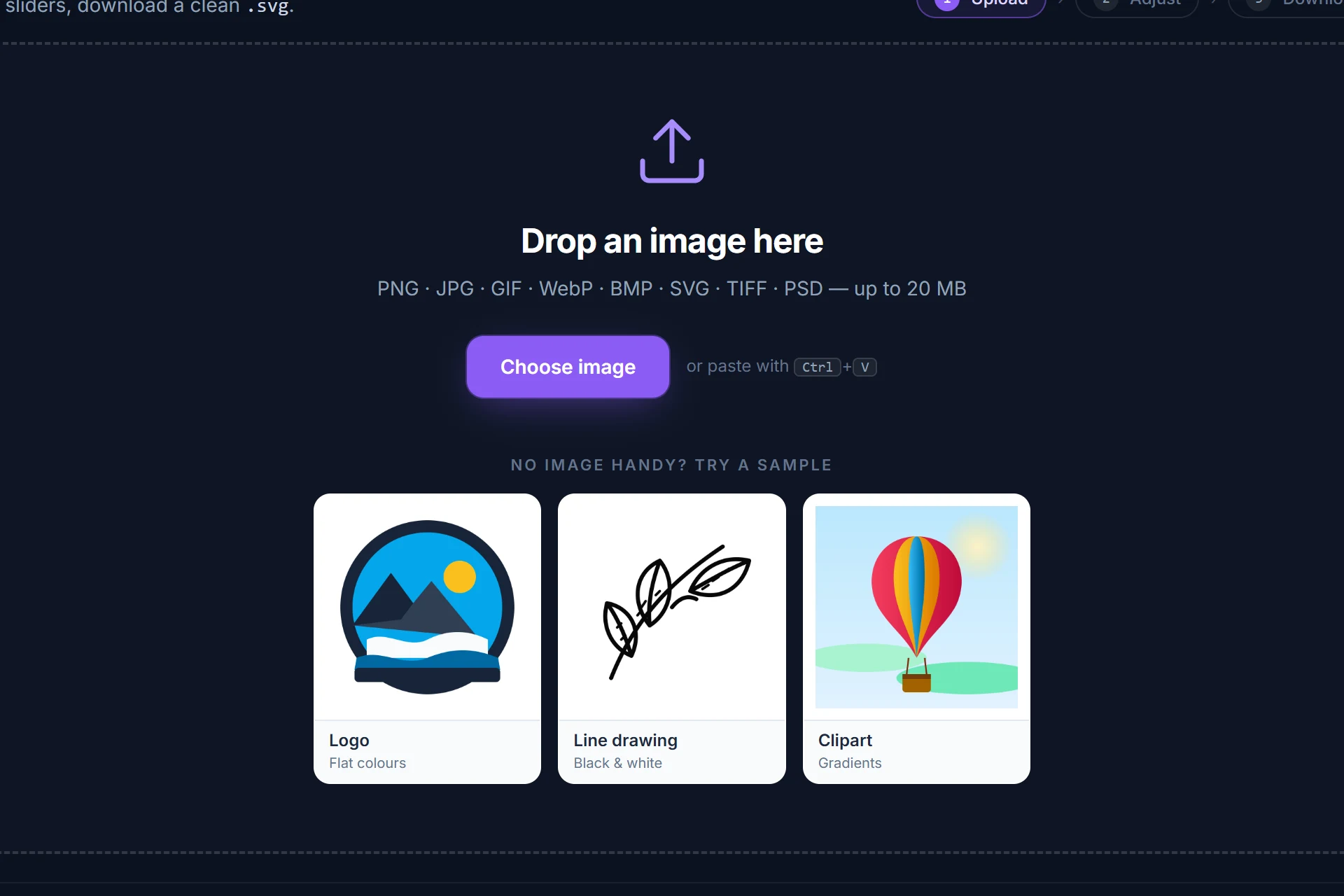
Drag it onto the page, pick it from disk or paste it with Ctrl+V. It is analysed and traced immediately — colour or black-and-white, colour count and threshold are detected for you.
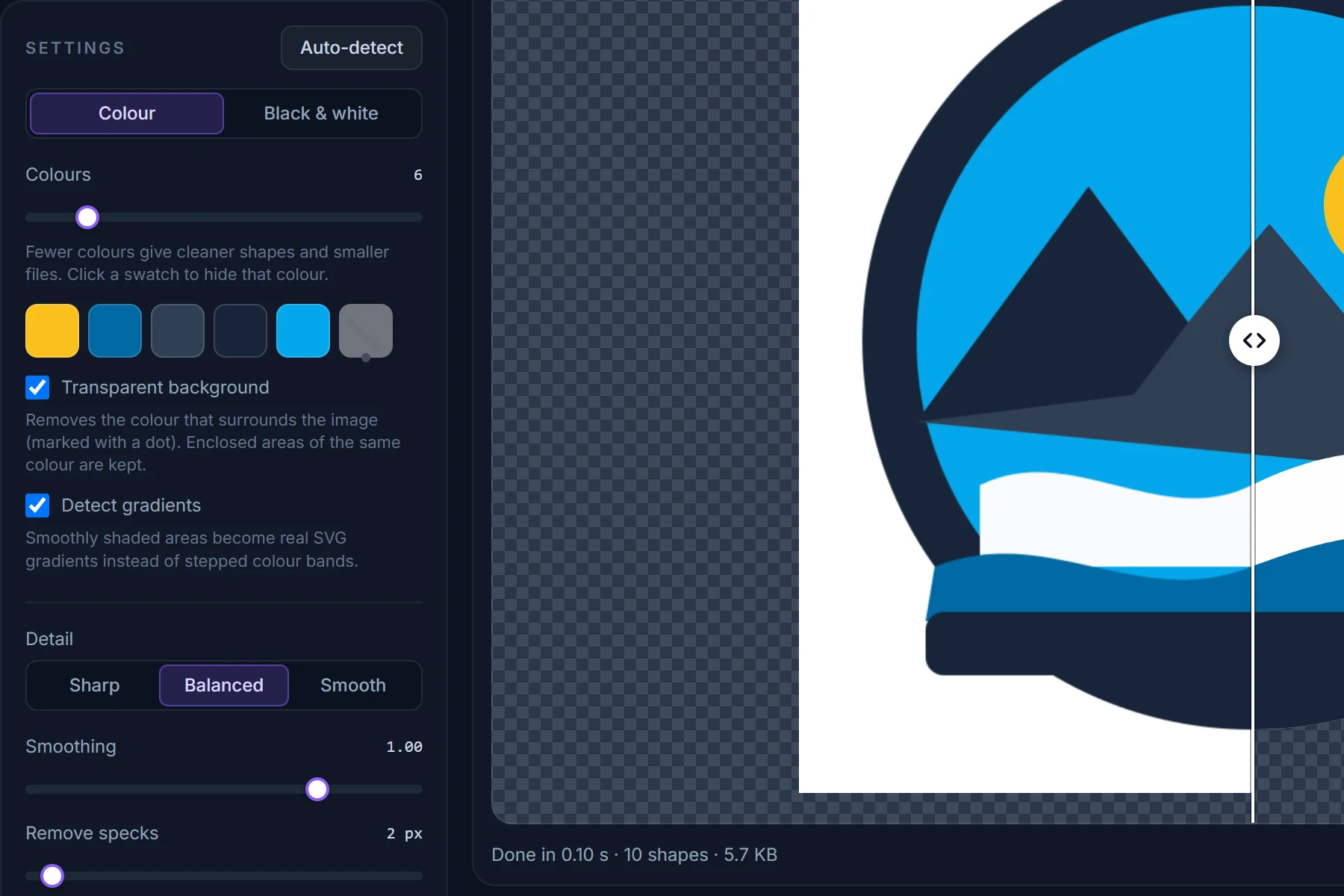
Drag the divider between original and SVG, zoom into an edge. Change the number of colours, hide a colour, make the background transparent; every change re-traces in a fraction of a second.
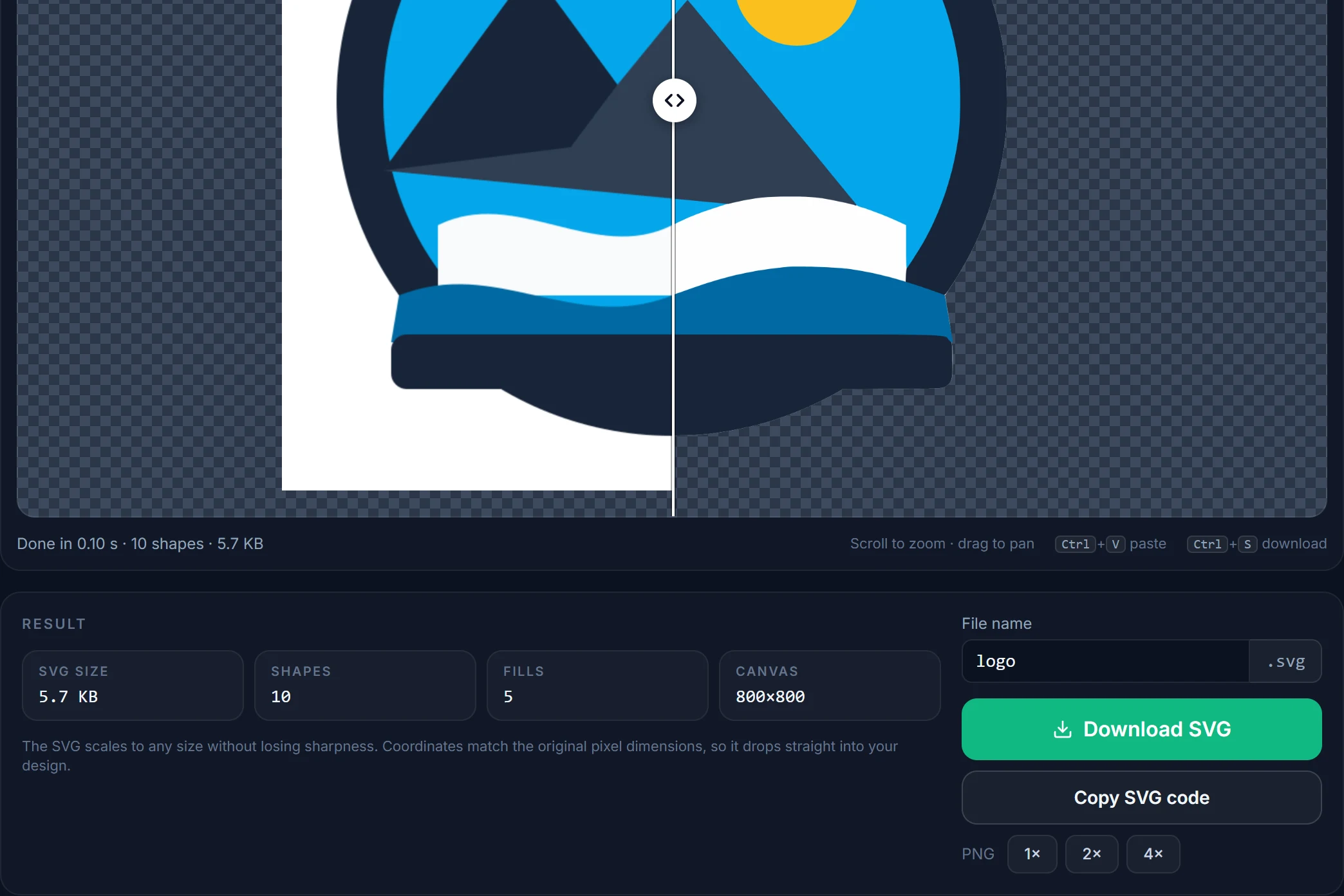
Save the SVG, copy its code, or render a PNG at 2× or 4×. Coordinates match the original pixels, one path per fill, nothing else in the file.
Tips
Export the PNG with transparency rather than flattening it onto white; the SVG then needs no background removal at all.
A 1000-px PNG traces noticeably cleaner than a 200-px one. Larger than 2048 px is downsampled first, which costs nothing.
The colour count is read from the image itself. Only raise it if a colour is missing; lowering it is the quickest way to a smaller, cleaner file.
A signature, stamp or line drawing traces best in B&W mode: a single path, transparent background, adjustable threshold.
Scroll to zoom in the preview and drag the divider. Bumpy edges mean the source was small or noisy — Smooth noise first and a higher Remove specks fix most of it.
Each SVG fill is the average of the pixels grouped under it. For a precise hex value, edit the single fill attribute per colour in any text editor.
Questions
Short answers here; the full FAQ covers formats, quality settings, photos and privacy.
Drop the PNG on this page (or open the converter and choose the file). It is traced in your browser within a second; check the preview and click Download SVG. There is no account, no credit system, no watermark and no limit on how many files you convert.
Yes. Transparent pixels in the PNG are simply not traced, so the SVG is transparent in the same places. If your PNG has a solid background instead, tick Transparent background and the colour surrounding the artwork is removed while enclosed areas of the same colour are kept.
No. The whole conversion — colour analysis, gradient detection and Potrace tracing — runs inside your browser with WebAssembly. The file is read locally and never sent anywhere — see the privacy policy.
You can, but a tracer turns a photo into a poster: up to 32 flat colours plus gradients for smoothly shaded areas. That is a stylised illustration, not a lossless enlargement. Logos, icons, clipart and line art are where PNG to SVG conversion shines.
A PNG is a grid of pixels at a fixed size: enlarge it and the edges blur. An SVG describes shapes as mathematical curves, so it stays razor-sharp at any size, is usually far smaller for logos and icons, and can be edited shape by shape in a vector editor. Converting PNG to SVG rebuilds those shapes from the pixels. The PNG vs SVG guide compares them in detail.
Yes. Tick Transparent background, turn Detect gradients off and set Layers to Cut out so each colour is exactly its own shape; then upload the SVG in Design Space as usual. Every colour arrives as a separate layer.
Up to 20 MB. Images are traced at up to 2048 pixels on the longest side; larger ones are scaled down first, which does not affect the shapes. Small images are upscaled automatically before tracing.
More converters
Same engine, same privacy — one page per input format so you can bookmark the one you need.
Free, in your browser, nothing to install and nothing uploaded. The SVG is next to your original in about a second.