
 Logo
Logo Line drawing
 Clipart
Start from the best source you have
A large PNG with transparency beats a small JPG every time. If the original vector (AI, EPS, PDF, SVG) exists, use that instead of tracing.
Convert PNG, JPG, GIF, WebP, BMP and more into a scalable SVG in about a second. Colours and gradients are detected for you, the background can be made transparent with one tick, and nothing is uploaded — the whole converter runs in your browser.
Drop your image here
PNG · JPG · GIF · WebP · BMP · SVG · TIFF · PSD · HEIC · PDF — up to 20 MB
Choose imageor paste with Ctrl+V
Input formats
Browser-native formats are traced locally; the rest are decoded on the server in memory and traced locally too.
An SVG converter has two jobs: read whatever bitmap you have, and turn its pixels into shapes. AnyToSVG reads the following formats and traces all of them with the same engine:
| Format | Decoded | Notes |
|---|---|---|
| PNG | In your browser | Lossless, alpha channel kept. The best source for logos and icons. |
| JPG / JPEG | In your browser | Compression noise smoothed before tracing; background removable. |
| GIF | In your browser | Up to 256 colours, 1-bit transparency; animated GIF → first frame. |
| WebP / AVIF | In your browser | Lossy or lossless, transparency kept. No PNG detour needed. |
| BMP | In your browser | Uncompressed Windows bitmaps, scans, screenshots. |
| SVG | In your browser | Rasterised at 1024 px and re-traced — useful for simplifying a messy SVG. |
| TIFF, PSD, HEIC, ICO, PDF | On our server, in memory | Converted to PNG (up to 2048 px), discarded at once, then traced in your browser. |
Files up to 20 MB are accepted. Images are traced at up to 2048 pixels on the longest side (larger ones are downsampled first, which does not affect the shapes) and small images are upscaled before tracing so curves come out smooth.
Output
Plain SVG, plus PNG at 1×, 2× or 4× and the code on your clipboard.
The SVG is as plain as it gets: <svg> with a viewBox in the original pixel size, a <defs> block with one <linearGradient> or <radialGradient> per smoothly shaded area, and one <path> per fill. No groups, no transforms, no metadata, no embedded bitmap. A typical logo is 2–20 KB and opens as expected in Illustrator, Inkscape, Affinity Designer, Figma, Sketch, CorelDRAW, Cricut Design Space, Silhouette Studio, LightBurn and every browser.
Besides Download SVG you can copy the SVG code straight into an HTML file or a code editor, and export a PNG rendered from the vector at 1×, 2× or 4× the original size — handy when you need a sharp raster for a high-DPI screen. Formats such as EPS, PDF, AI or DXF are one Save as away in any vector editor (Inkscape is free and does all four); the image to vector page explains when you want which.
How it differs
No account, no credits, no upload queue, no four-step palette dialog.
Most online SVG converters upload your image to a server, run it through a queue, and ask you to pick a model, a palette and a quality level before letting you download — often behind a sign-in or a credit meter. AnyToSVG does the analysis itself the moment the image loads: it decides between colour and black-and-white, counts the colours the artwork really has, computes the threshold, detects smoothly shaded areas and writes them as real SVG gradients instead of stepped bands. You see the result before you have touched a control, and every control you do touch re-traces in a fraction of a second.
The engine is Potrace — the same tracer behind Inkscape's Trace Bitmap — compiled to WebAssembly and run in a Web Worker in your browser. The About page explains the pipeline in detail, and the logo guide shows how to get a print-ready result.
How it works
Three steps, and the second one is optional. No palette wizard, no model selection, no credit counter.
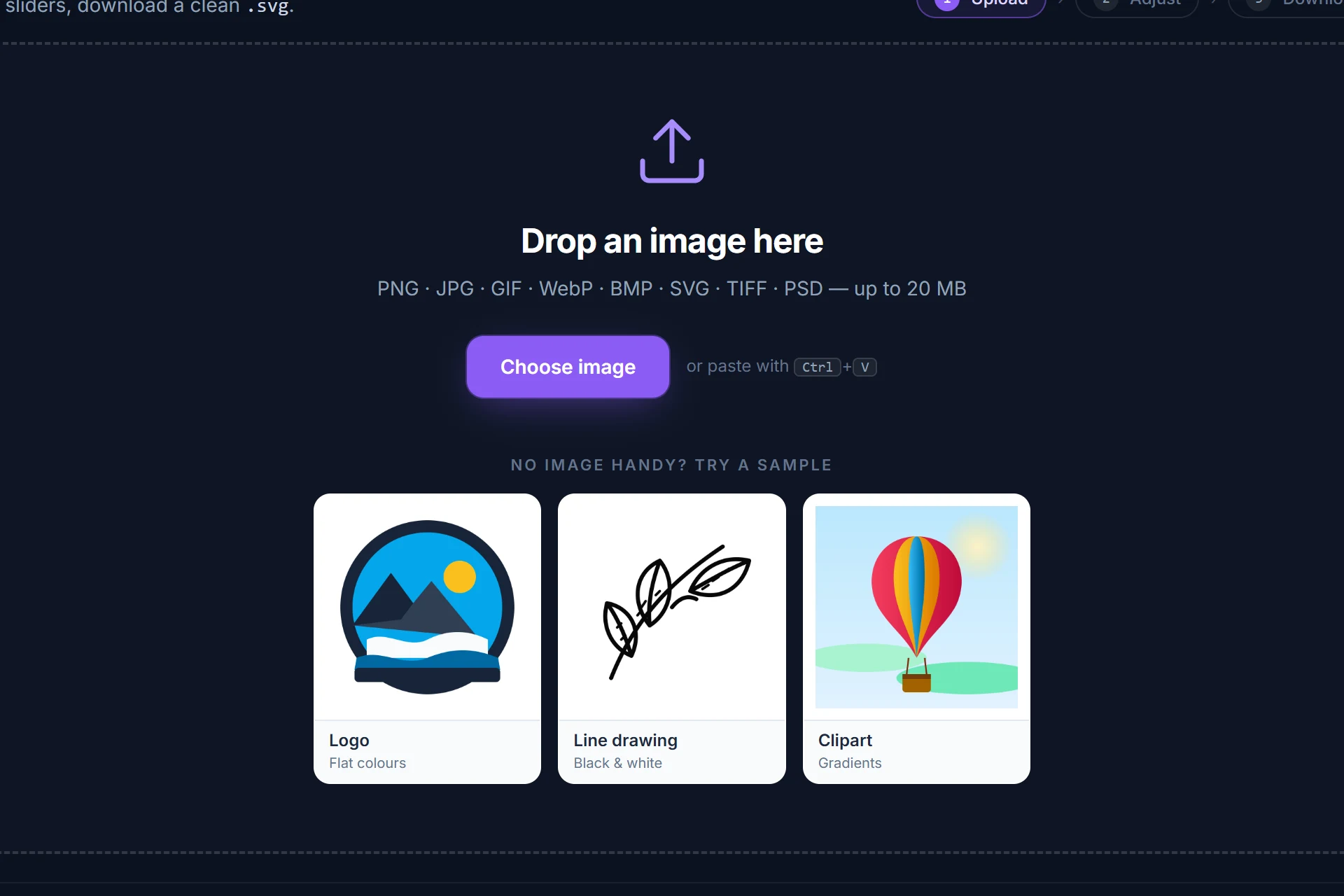
Drag it onto the page, pick it from disk or paste it with Ctrl+V. It is analysed and traced immediately — colour or black-and-white, colour count and threshold are detected for you.
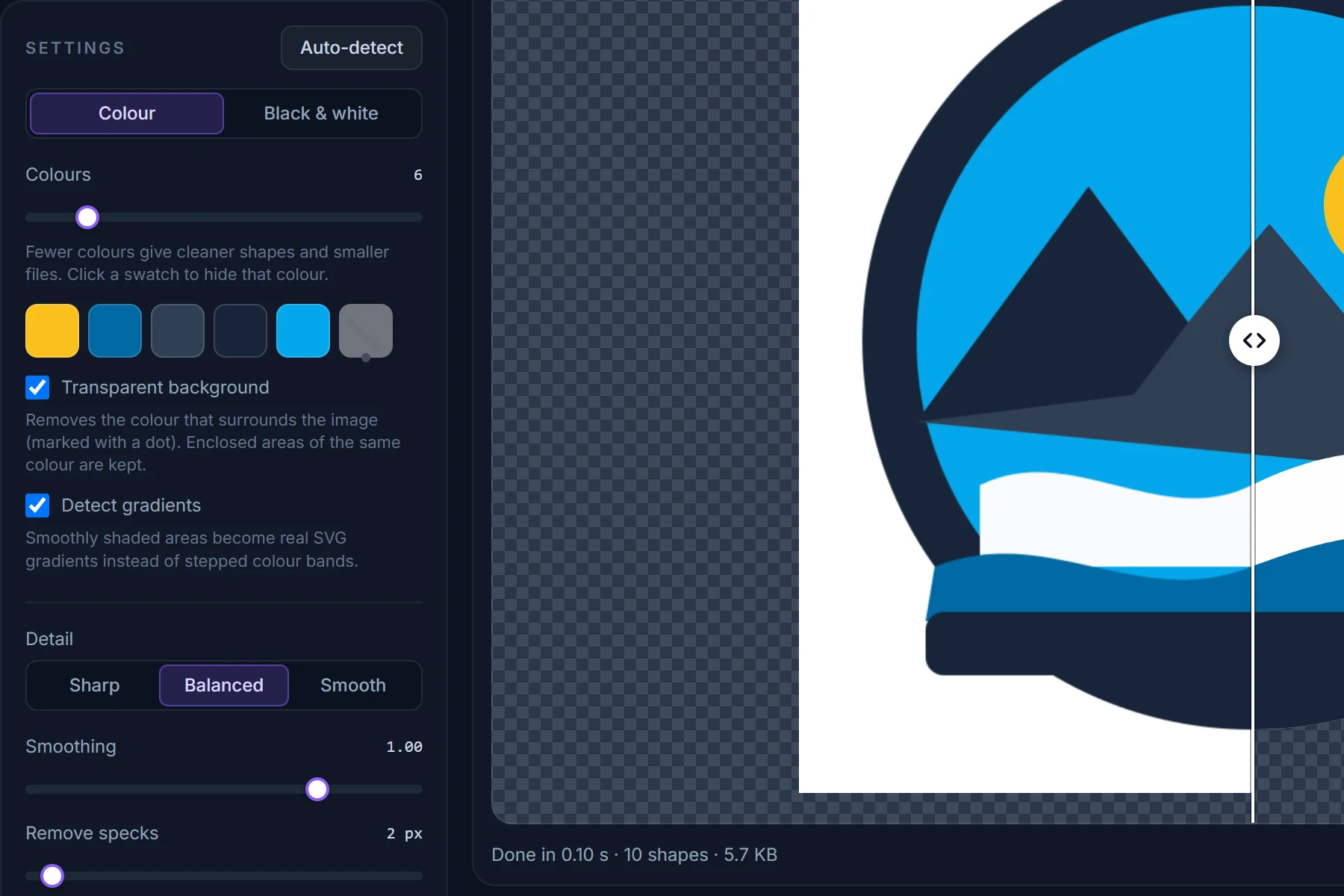
Drag the divider between original and SVG, zoom into an edge. Change the number of colours, hide a colour, make the background transparent; every change re-traces in a fraction of a second.
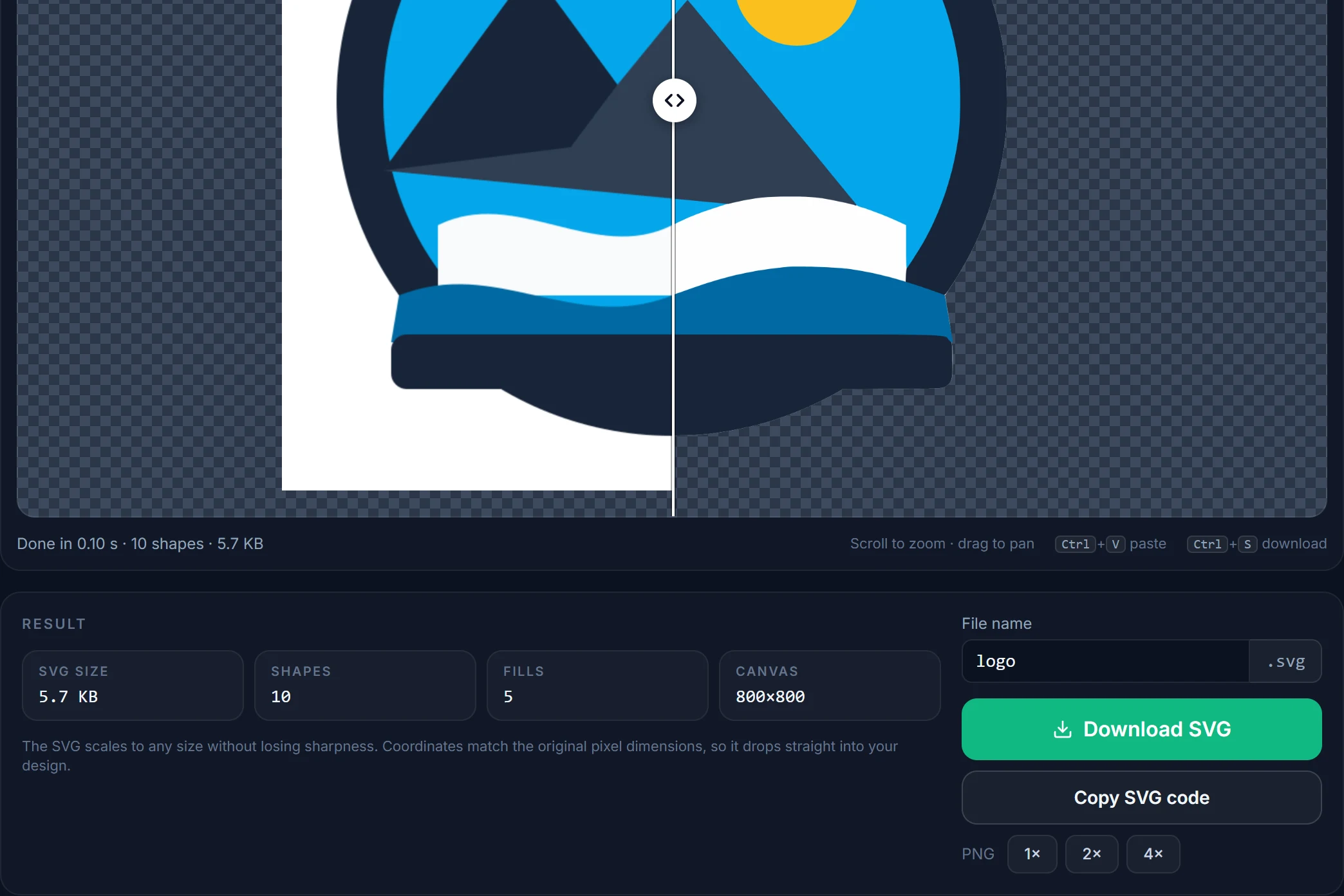
Save the SVG, copy its code, or render a PNG at 2× or 4×. Coordinates match the original pixels, one path per fill, nothing else in the file.
Tips
A large PNG with transparency beats a small JPG every time. If the original vector (AI, EPS, PDF, SVG) exists, use that instead of tracing.
Mode, colour count and threshold are read from the image. Usually the only change worth making is lowering the colour count.
Removes the colour around the artwork while keeping enclosed areas of the same colour. Any other colour can be hidden from its swatch.
Turn Detect gradients off and set Layers to Cut out so every colour is exactly its own shape.
Tick Smooth noise first under Advanced and raise Remove specks a little.
Scroll to zoom to 400 % on an edge and drag the divider; what you see is exactly what is in the file.
Questions
Short answers here; the full FAQ covers formats, quality settings, photos and privacy.
A tool that turns a bitmap image (PNG, JPG, GIF, WebP, BMP…) into SVG, the vector format that stays sharp at any size. Because pixels have no shapes, the converter has to trace them: it finds the areas of similar colour and fits smooth curves to their outlines. AnyToSVG does this entirely in your browser.
Yes — free for personal and commercial use, with no account, no credits, no watermark and no limit on the number of conversions.
PNG, JPG/JPEG, GIF, WebP, AVIF, BMP and SVG are decoded in your browser. TIFF, PSD, HEIC/HEIF, ICO and PDF are decoded to PNG on our server in memory (nothing is stored) and then traced in your browser.
Browser-native formats never leave your computer. Only TIFF, PSD, HEIC, ICO and PDF are sent to the server to be decoded, converted to PNG in memory and discarded immediately. See the privacy policy.
You can open an SVG and export a PNG at 1×, 2× or 4×, but note that the SVG is rasterised and re-traced first, so the PNG comes from the traced version. For a pixel-exact SVG-to-PNG export, use a vector editor or a browser's own export.
Not directly. Download the SVG and open it in Inkscape (free), Illustrator or Affinity Designer, then save as EPS, PDF, AI or DXF — every vector editor and print shop does this in one step.
Yes. The converter runs in current versions of Chrome, Edge, Firefox and Safari on desktop, tablet and phone. The page needs JavaScript, Web Workers and WebAssembly, which every browser released since 2020 has.
More converters
Same engine, same privacy — one page per input format so you can bookmark the one you need.
Free, in your browser, nothing to install and nothing uploaded. The SVG is next to your original in about a second.